你正在訪問的內容是外部程式的映像位址,僅用於使用者加速訪問,本站無法保證其可靠性。當前的連結位址(單點即可複製)為 https://greasyfork.org.cn/zh-CN/scripts/34613-youtube-multi-downloader-desktop-mobile-v10-5-yt-shorts-videos-music-zero-ads,源站連結 點此以跳轉。
YouTube™ Multi Downloader (Desktop & Mobile) v10.5 🌐🚀💯 — YT Shorts, Videos & Music | ZERO ADS! 🚫🔥
Adds a floating download button for YouTube videos, shorts and music in high quality. Fast, easy to use and the best of all!
- 日安装量
- 167
- 总安装量
- 429,614
- 版本
- 10.5
- 创建于
2017-10-29 - 更新于
2026-01-07 - 大小
- 10.2 KB
- 兼容性
-





- 许可证
- CC-BY-NC-ND-4.0
- 适用于
YouTube™ Multi Downloader 🌐
Optional: Use the AdGuard extension that blocks ads 😉
Chrome
Firefox
Opera
Edge
Ops: We are not responsible for the content of the site.
• Adds a Download button directly on YouTube and YouTube Music, compatible with:
• 📹 Regular videos
• 🎥 Shorts
• 🔄 SPA navigation (without page reload)
• 💻 Desktop and 📱 Mobile
✨ Features
• ⬇ Integrated download button in the YouTube layout
• 📱 Floating button on mobile and 💻 desktop
• 🎵 Full support for YouTube Music
• 🔄 Works with dynamic SPA navigation
• 🛡️ Resistant to frequent YouTube layout changes
📸 Where the button appears
• Desktop / Mobile, YouTube Shorts and YouTube Music: floating button
🔐 Privacy & Security
• ❌ No personal data is collected
• ❌ No hidden requests
• ✅ Open and readable code
• ✅ No ads or trackers

🧩 Compatibility
• YouTube Desktop - ✅
• YouTube Mobile - ✅
• YouTube Shorts - ✅
• YouTube Music - ✅
• Tampermonkey - ✅
• Violentmonkey - ✅
⚠️ Legal Disclaimer
This script is not affiliated with YouTube™ or Google™.
Use is the user’s responsibility and must comply with local laws and Terms of Service.
⚙️ How it works
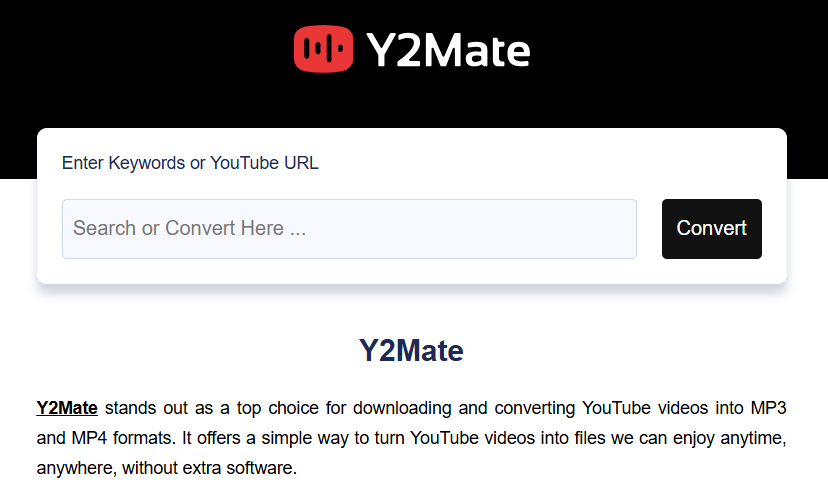
The script automatically detects the current video and creates a button that redirects to an external conversion/download service.
⚠️ Notice: this script does not host, store, or convert videos. It only generates an external link.
Ops: If by chance the floating button does not appear using the latest version of Chrome and scripts, disable “Allow User Scripts” in Chrome 138+.
Thanks for the solution StanleyMD!


