你正在訪問的內容是外部程式的映像位址,僅用於使用者加速訪問,本站無法保證其可靠性。當前的連結位址(單點即可複製)為 https://greasyfork.org.cn/zh-CN/scripts/479741-microsoft-doc-page-trimmer,源站連結 點此以跳轉。
Microsoft Doc Page Trimmer
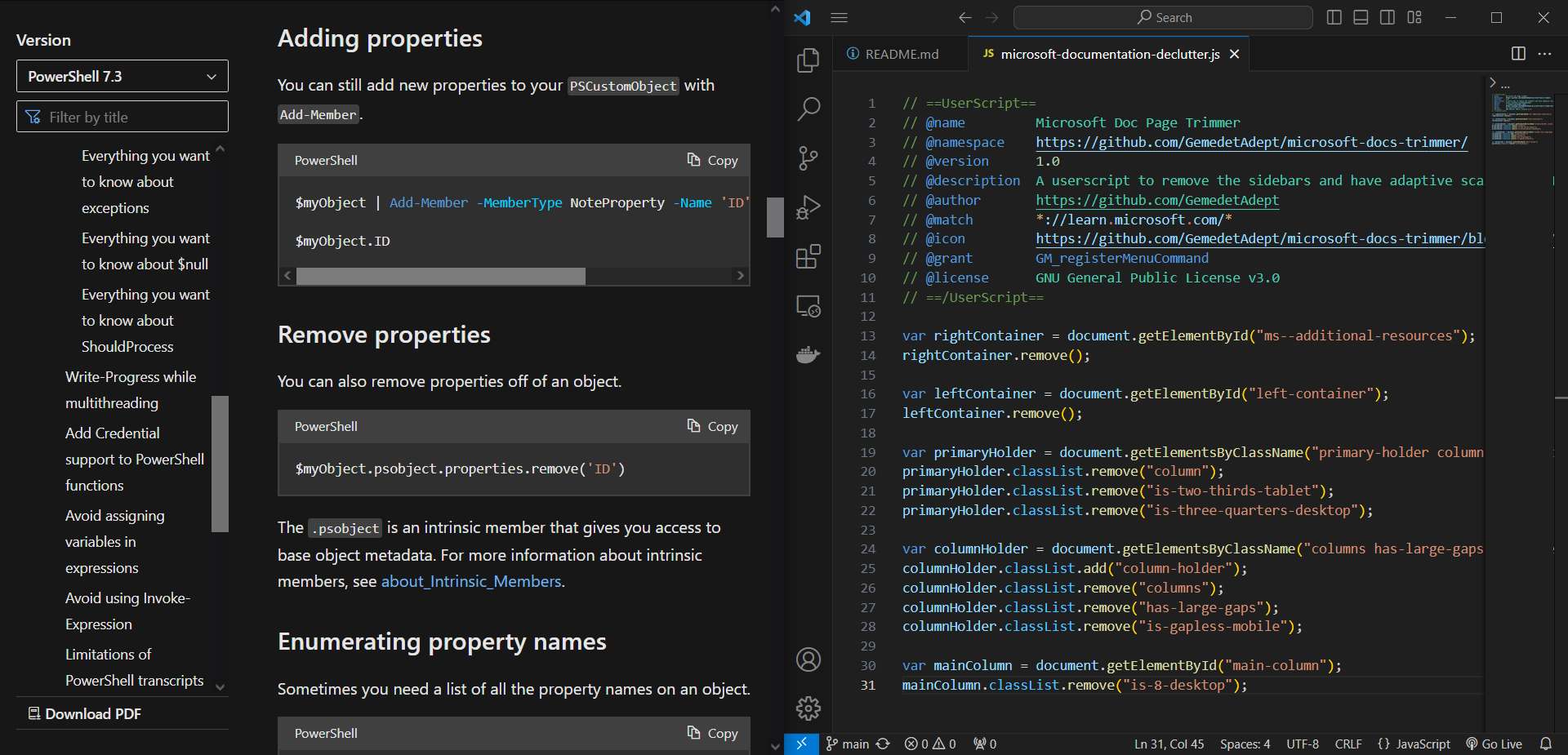
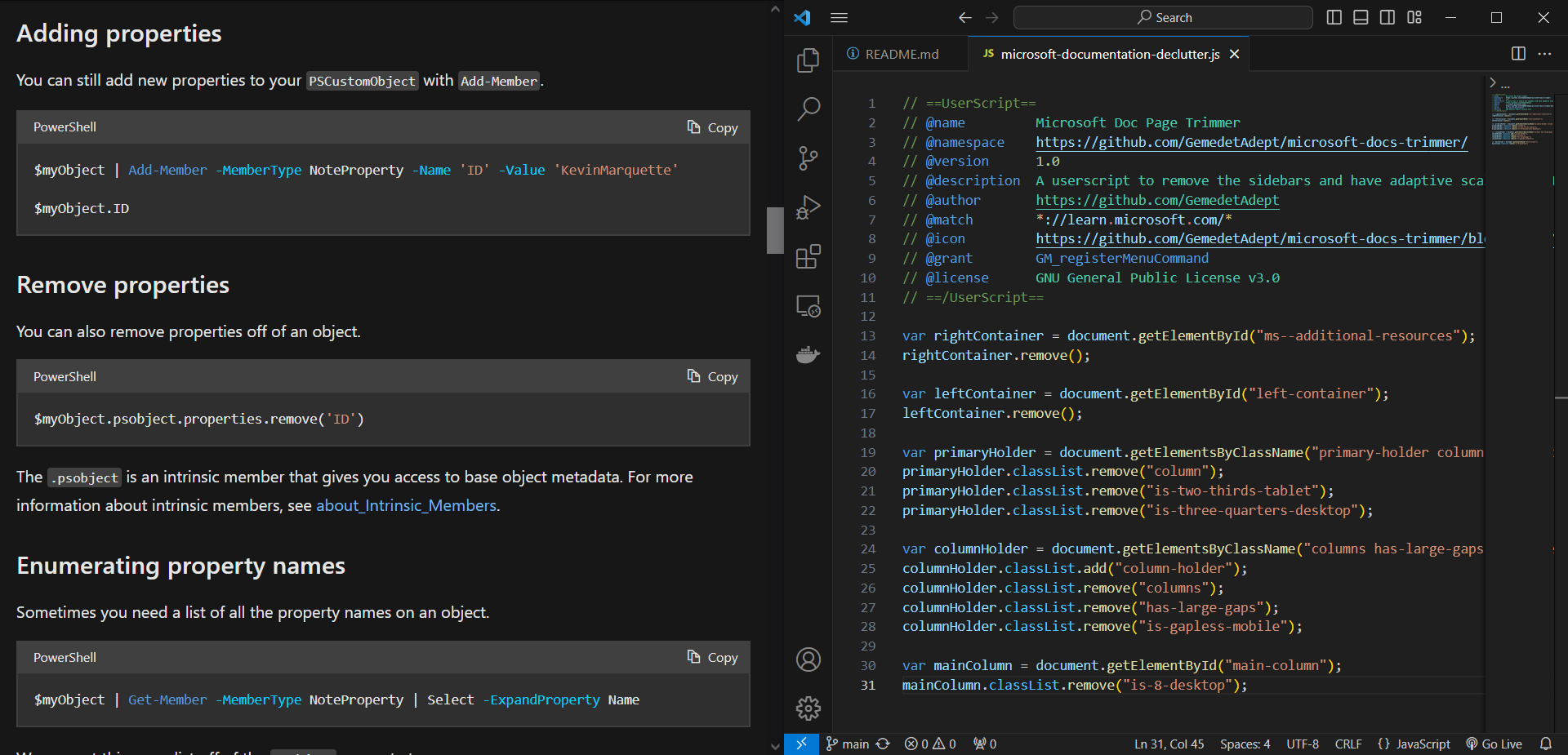
A userscript to remove the sidebars and have adaptive scaling on Microsoft's documentation pages.
Microsoft Doc Page Trimmer
A userscript to remove the sidebars and have adaptive scaling on Microsoft's documentation pages.
When I'm referencing documentation for the .NET framework, I often have to dock my browser and have it side-by-side with my IDE. Issue is, when it's at half size, the side bars scrunch up the text and shrink the code blocks. So, I did what all programmers would do in this situation: tell yourself it's a five-minute adventure — in-and-out — and then spend far too much time to fix a tiny problem that no-one else has.
Planned:
- A toggle option so that you don't need to reload the userscript every time you want to show/hide the sidebars.
Screenshots
Userscript disabled
Userscript enabled
By: G e m e d e t A d e p t